BlogInsightsHow to create strong CTAs in your copy?
How to create strong CTAs in your copy?
Successful copywriting stands out by grabbing attention from the very first sentence. The best copy speaks directly to the reader and reflects their needs or challenges.

What catches your eye most often are bold headlines, emotionally charged language, and powerful CTAs (calls to action). 

CTAs typically provide the final push that drives readers to take action, making them a key element in any copy. 

Table of Contents

What is a CTA

Every piece of copy has a purpose. The outcome depends on the instructions you give. 

CTAs are what guide your audience to the next step. You’ll typically find CTAs at the end of a copy, but they can also appear throughout the text to prompt action at the right moments.

CTA formats

CTAs can take different forms depending on where and how you use them. The format often impacts how noticeable and effective they are.

Buttons

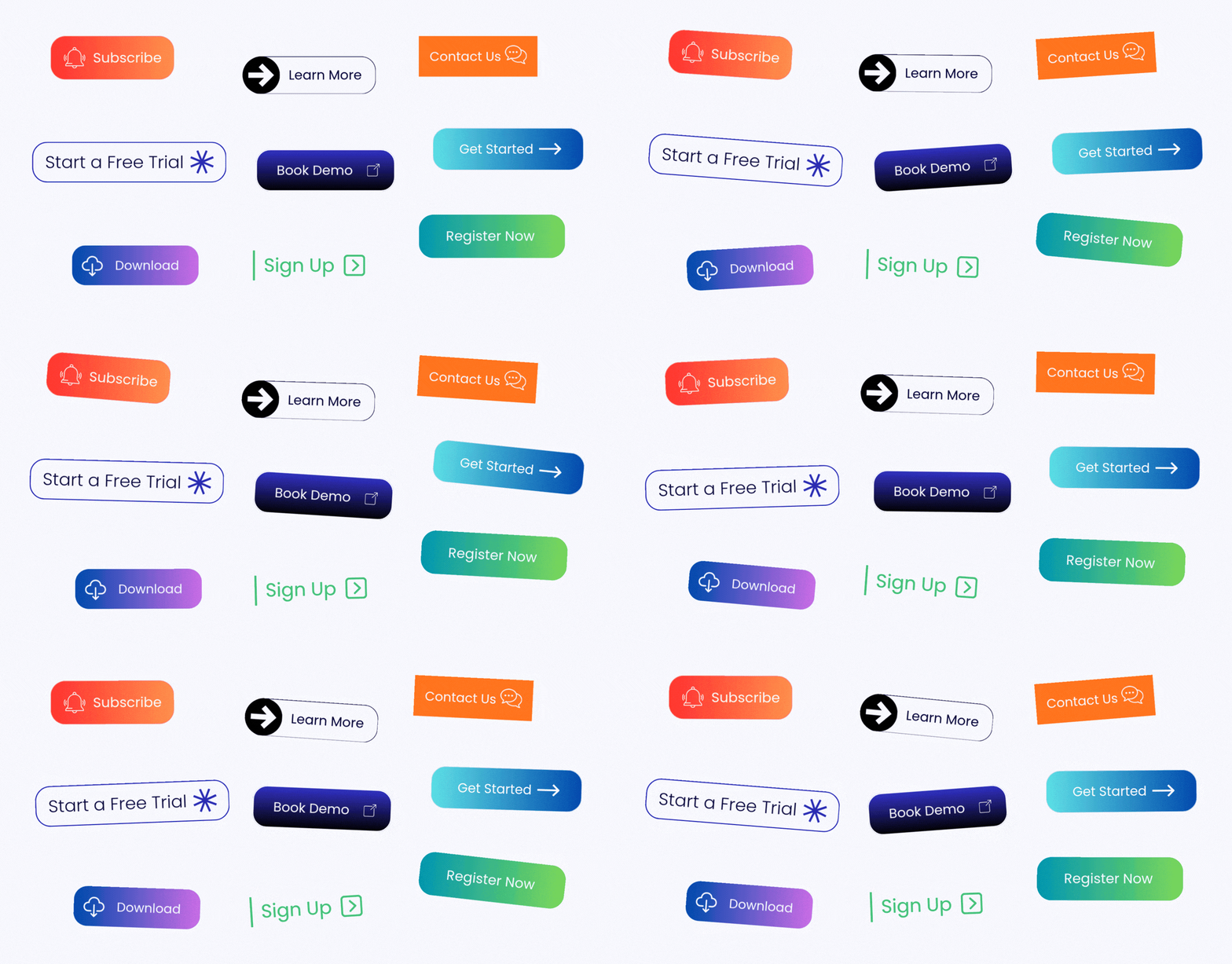
Buttons are the most common type of CTA. They’re easy to place throughout the copy and can be integrated into almost any page or section. The most effective ones use short, action-focused wording and strong visual contrast to make them easy to notice and click.

buttons CTA

Text links

Text-based CTAs are more subtle and sit within paragraphs. You’ll often find them in blog content or guides where you don’t want to interrupt the reading flow but still want to guide users forward.

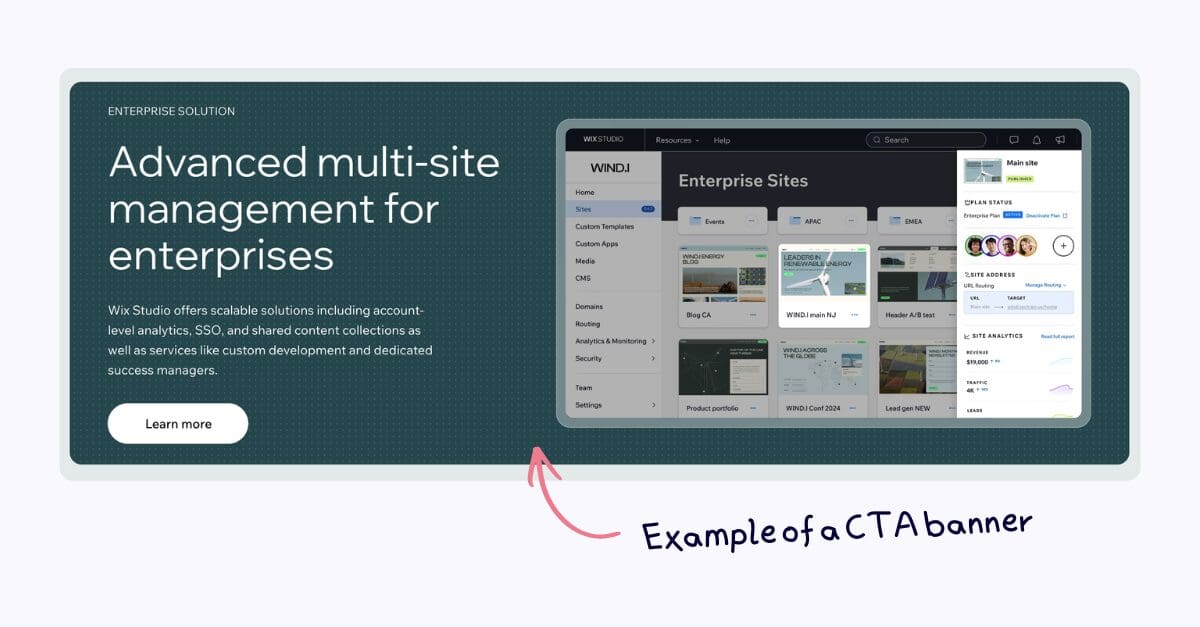
Banners

Banners are more visual and are often used to highlight offers or promotions. They’re typically placed at the top, middle, or end of a page to capture attention without being too intrusive.

Pop-ups

Pop-ups are created to grab attention quickly. They can be effective for lead generation or special offers, but if they appear too early or too often, they can feel disruptive.

Carousels

Carousels let you display multiple CTAs or messages at once. They’re often used on landing pages or homepages to show different offers or product features without overwhelming the layout.

CTA banner

Types of CTAs

A perfect CTA not only guides users but also helps increase engagement. It can be used to generate leads, drive sales, or start a conversation. 

Here are some common examples you might see.

Lead generation

These are typically used to convert visitors into leads by providing something valuable in exchange for the contact information.

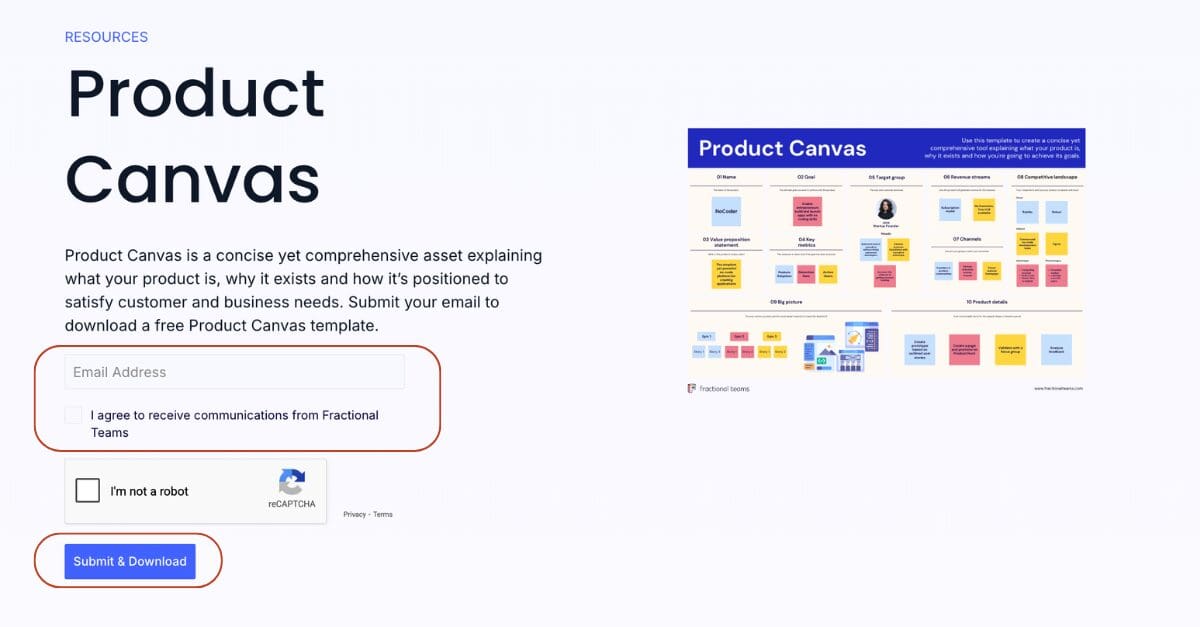
A common example is a form prompting users to download a free resource or sign up for a newsletter.

product canvas template
Product Canvas is a one-page snapshot of your product vision. We’ve written a bit more about it and shared a free template. You can grab it here.

Product discovery

These help users understand products or services and are commonly used on e-commerce or SaaS websites to guide them to product pages.


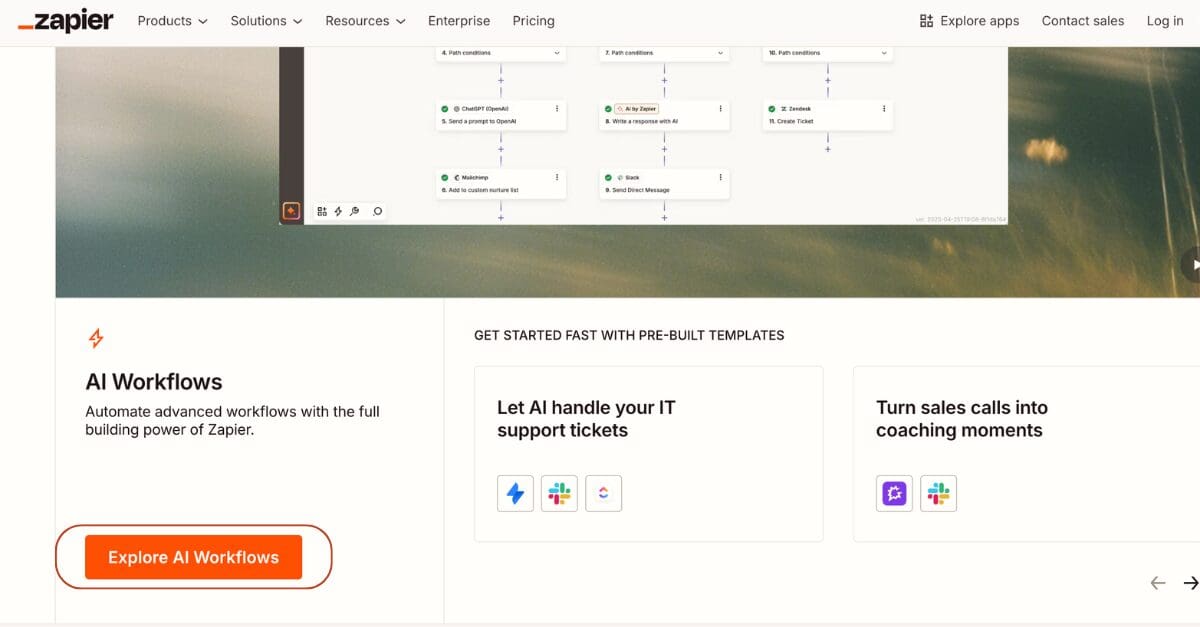
For example, Zapier’s AI Workflows CTA leads to short walkthrough videos, helping users see the value of the workflow builder before committing time to setup.

zapier ai worflow tool

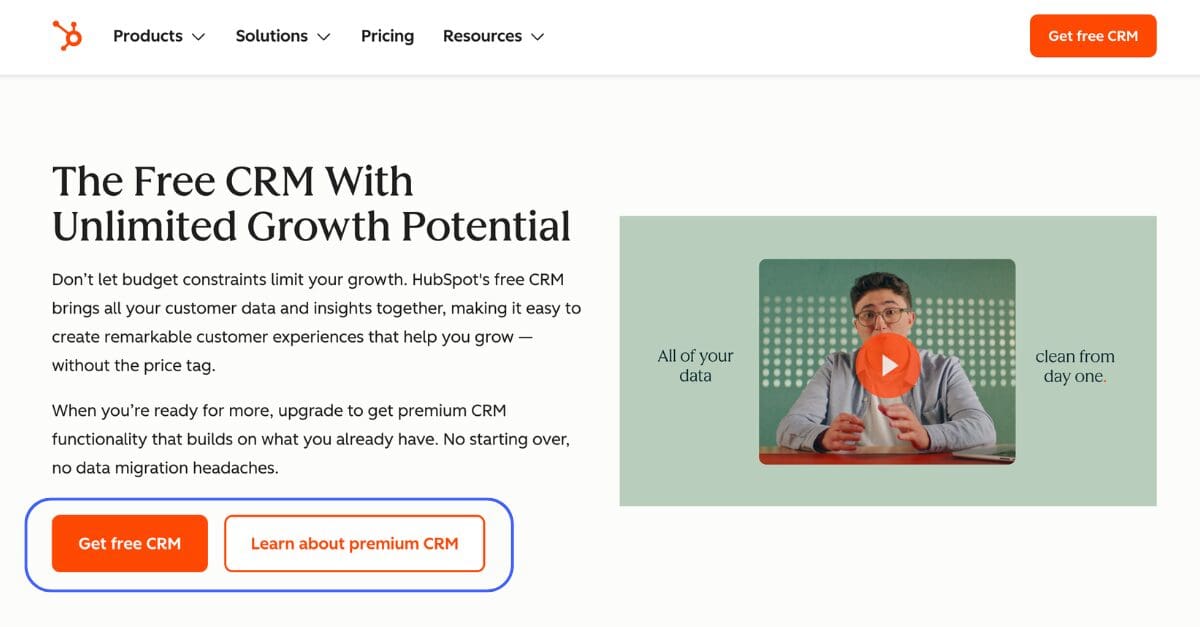
Another example is from HubSpot where two CTAs are placed side by side. One focuses on getting users to trial CRM, while the other invites them to learn more about the premium features.

This way, they capture both early-stage visitors who are still exploring and users who are closer to making a decision.

hubspot ctas example

Event promotion

These CTAs focus on getting people to sign up for events. Buttons like “Register now” or “Limited seats available” help speed up decisions.


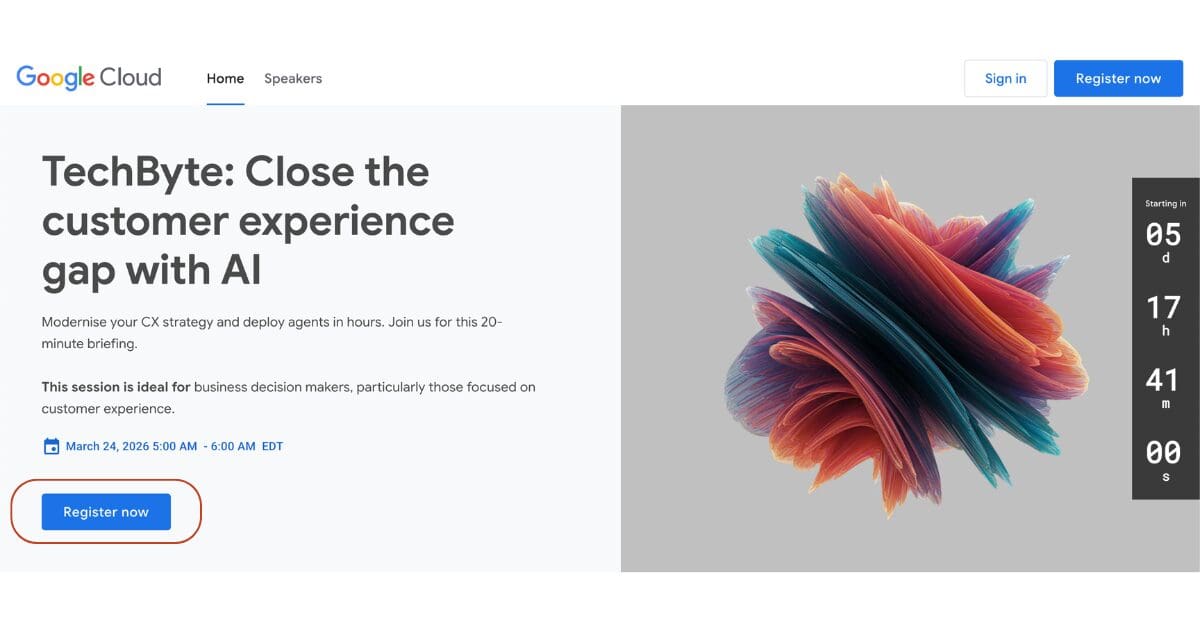
For example, Google Cloud uses a “Register now” CTA and a countdown timer to drive sign-ups for its TechByte webinars.

event cta

Social sharing

Social sharing CTAs prompt users to spread your content on social media platforms


Buttons like “Share on LinkedIn” make it easy for people to share your content and help increase its visibility.


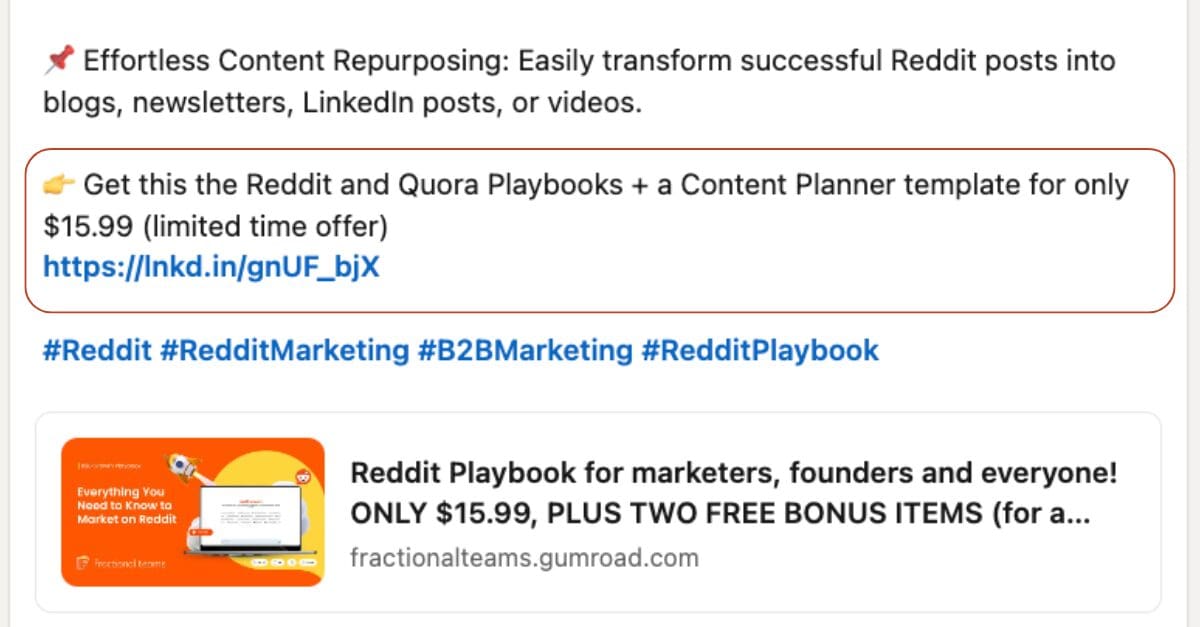
You can also use social media CTAs to promote special offers


Phrases like “Limited Offer” or “Get Instant Access” are simple ways to motivate users to explore your promotions.

Want to go deeper into Reddit?

If you’re looking to go deeper into Reddit, we’ve put together the ultimate Reddit Playbook that covers what to post, where to show up, and how to turn it into leads without ads. It’s especially useful if you’re trying to increase your visibility in AI search. 

We’ve also put together a free collection of subreddits, including engagement rates and notes on how each subreddit works. This is the perfect starting point if you’re interested in finding the right B2B audiences on Reddit.

Digital ads

Digital ads are created to prompt users to take action quickly. The CTAs here are often focused on getting users to sign up for demos, start free trials, or download resources. 


Phrases like “Start Free Trial” or “Request a Demo” guide users toward the next step with minimal friction.


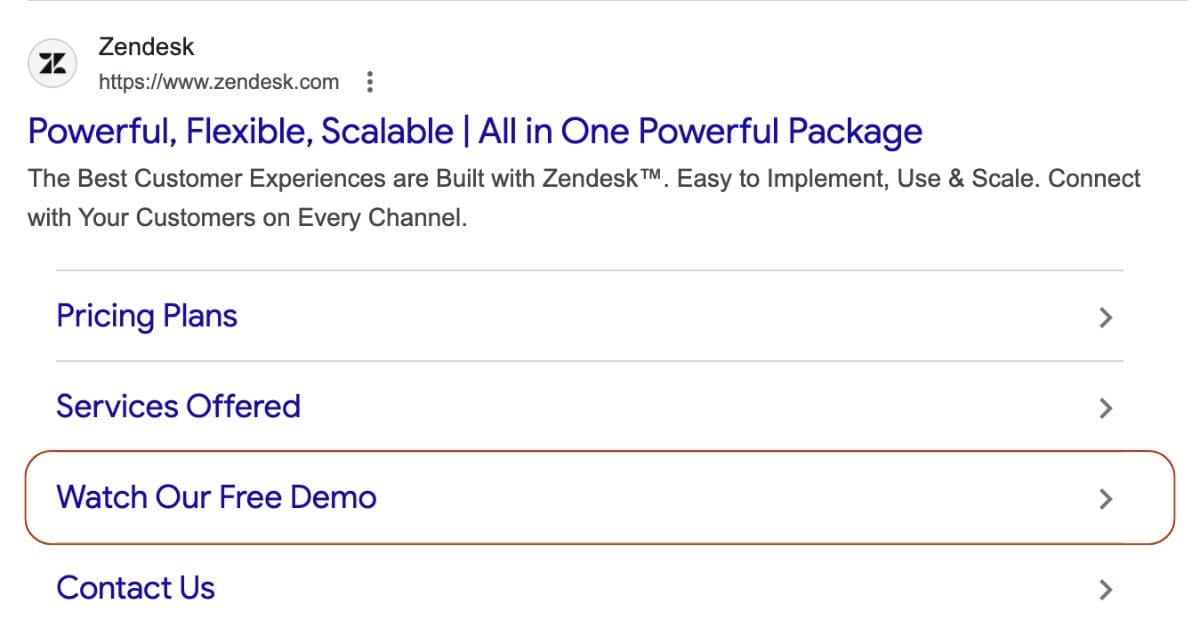
For example, Zendesk uses a “Watch Our Free Demo” CTA in its ads, targeting B2B companies looking for customer support solutions. It’s a simple way to let potential customers explore the platform without commitment and see if it’s a fit.

digital (google) ads example cta

How to create strong CTAs?

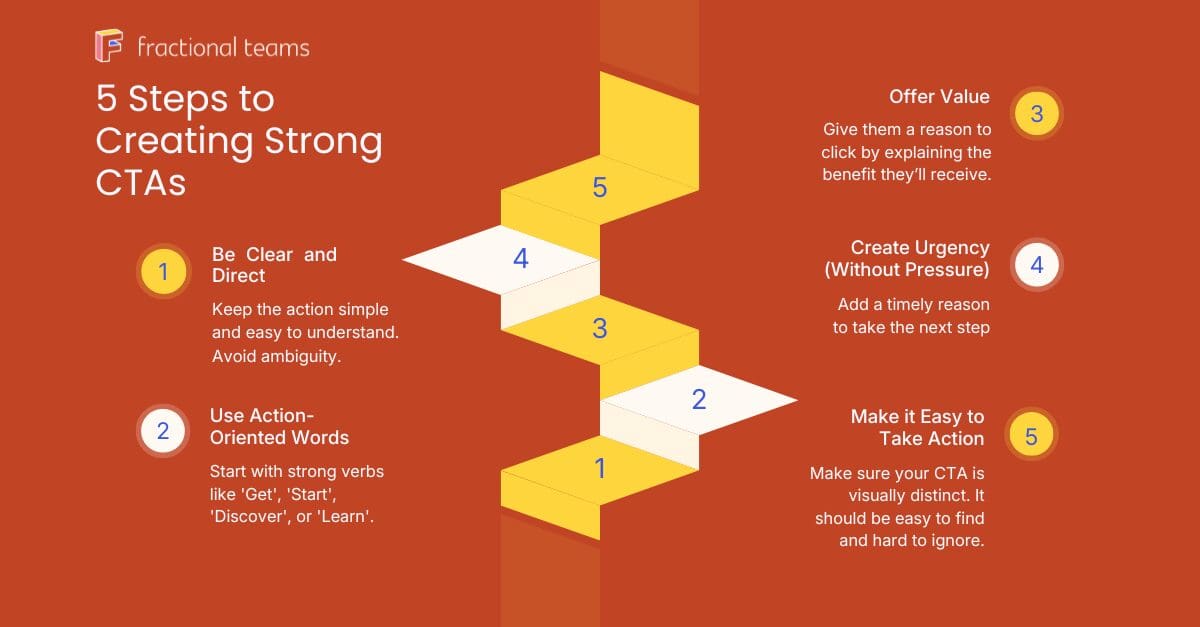
A strong CTA grabs attention without being too complicated. It’s clear, direct, and leaves no room for confusion. 

Here are some quick tips that should help:

Be specific and brief

The wording of a CTA impacts further action. It should be brief and highlight a benefit, making the reader feel like they’re gaining something valuable. 


Example: “Sign Up” “Get Free Demo” “Try Free”

Create a sense of urgency

Sometimes all it takes is a small push. Adding urgency can help move things forward, especially when there’s no obvious reason to act now.

Example: “Secure your spot” “Get Early Bird Pricing” “Get Early Access”

Focus on your goal

Every CTA should connect back to what you’re trying to achieve. That could be leads, sign-ups, or downloads, but it should clearly support that goal.


If your goal is to grow your email list, a CTA like “Download the guide” or “Join the newsletter” makes more sense than pushing for a demo straight away.

Match the objective of the copy

Not every reader is ready to buy. The CTA should reflect where the reader is in their journey and what the content is trying to do.


If the goal is brand awareness, a CTA like “Learn more” works well to guide readers to the solution page.


If the goal is conversions, something like “Request a Free Demo” or “Start your Free Trial” makes more sense.

Test and tweak

Your CTA may need tweaks over time. Do A/B testing on different versions of wording, colour, and placement to see what works best for your audience. 


Small changes, like switching from “Get started today” to “Start your free trial”, can significantly impact engagement and conversion rates. 

Final takeaways

The goal of any CTA is to prompt action and encourage the prospect to continue their experience with your brand.

CTAs don’t just sit at the end of your copy. They shape how your copy is perceived, act as an ice-breaker, and capture the emotions people feel while interacting with your brand.

If you use them right, they feel natural, fit into the flow of the content, and make the next step feel logical and easy to take.

Hi! I'm Dariia Panchenko, Analytics and Community Manager at Fractional Teams. I write about the best B2B marketing strategies and practices.


  • Services
  • Customers
  • Resources
  • Pricing
This is a staging environment